Multiple countries
Meet customers in their market.
Example markets to discuss
United StatesUnited KingdomIndiaUnited Arab EmiratesMaltaCanadaAustraliaSingaporeGermany
Local time zones, business hours and country-specific phone configuration.
AI calls, appointments and follow-up
Turn interest into conversations. Qualify enquiries, book appointments and keep follow-ups moving—with your team in control.
7 days · No card required · Guided setup
Setup and first-response targets, not guarantees. Connection checks, permitted calling hours, capacity and service availability apply.

The request and contact details are ready for the next step.
Illustrative scenes, not live calls or customer results. Source connections follow your agreed setup. This illustrates a callback, not a live call.
Website forms Available · Marketing sources Coming soon
See the connected journey
Four conversations. A clearer next step. Choose a film to watch.
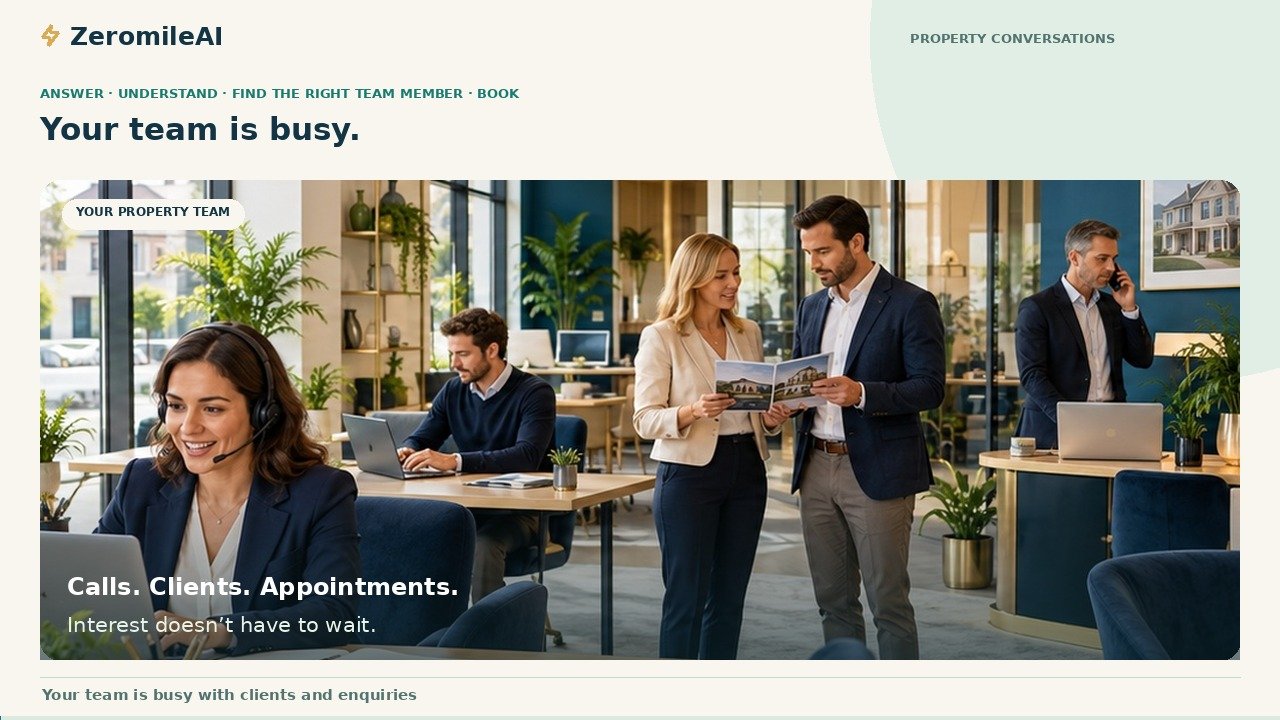
From a busy team to a confirmed viewing.
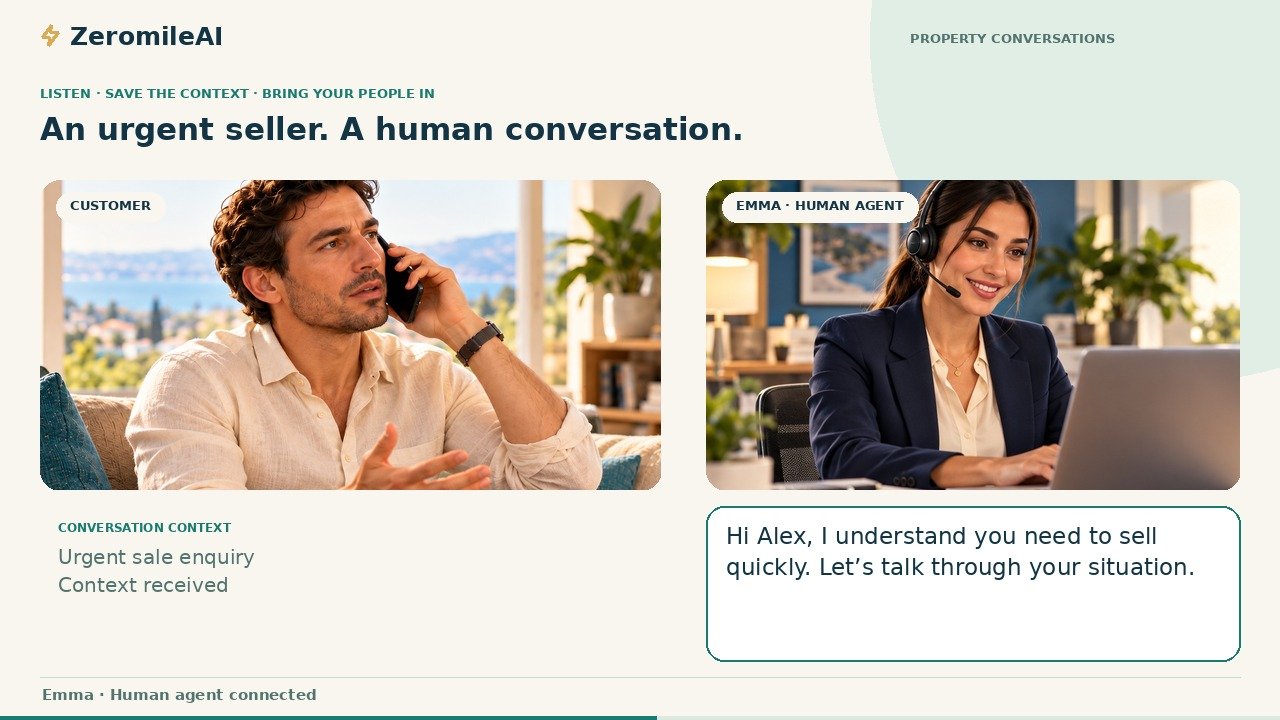
An urgent seller reaches an available agent.
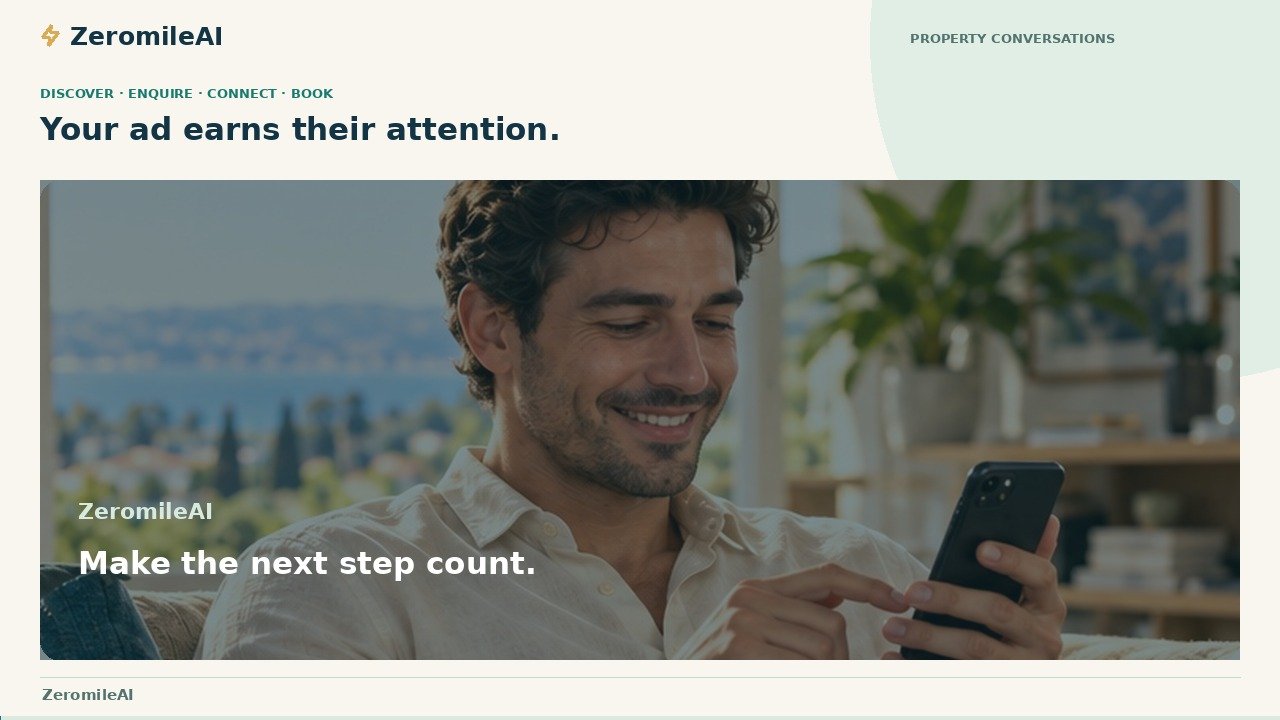
From a social ad to a qualified conversation.
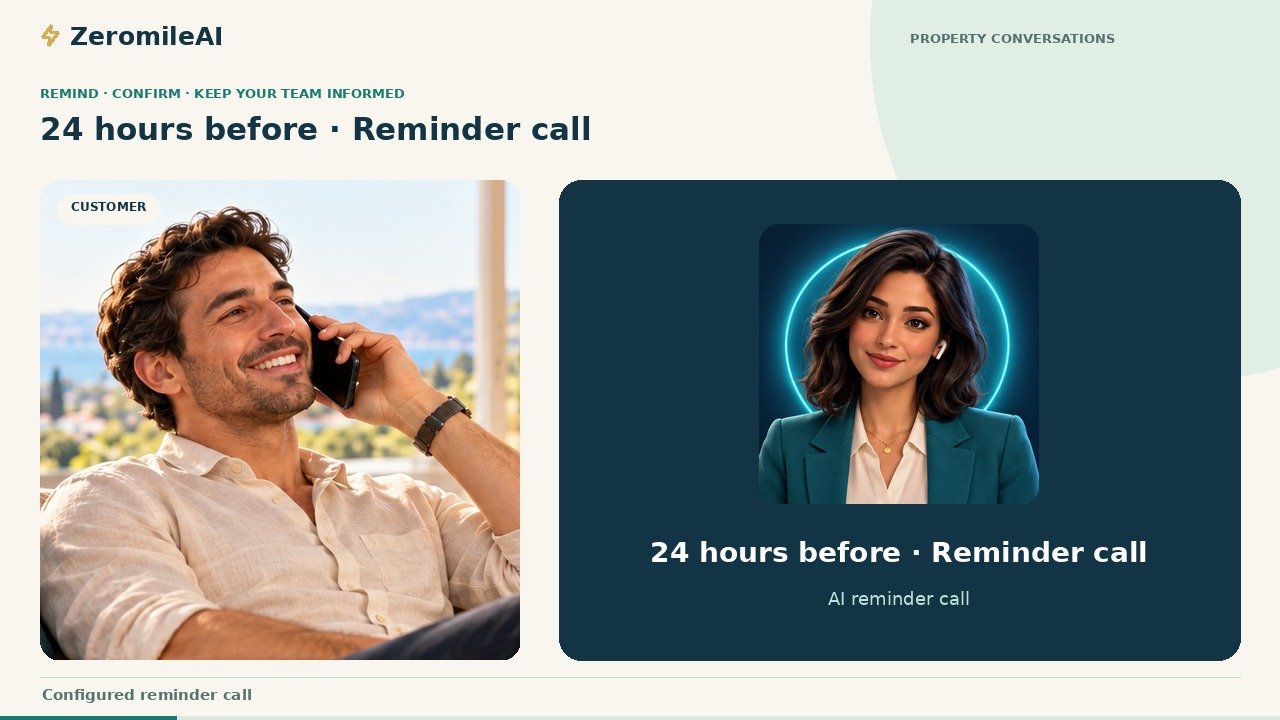
Reminders, confirmations and requested changes.
Music and on-screen dialogue · English captions · Illustrative scenes and sample data
Incoming: check team availability, offer checked alternatives when needed, book after confirmation and notify the customer and assigned agent through configured channels. Handoff: save the context, check availability, then connect a person; if unavailable, record a callback request. Callback: an ad links to an available website form; eligible enquiries can receive a callback with a 60-second first-response target, subject to permission, permitted hours, capacity and service availability. Direct marketing connectors remain planned. Follow-up: confirm an existing booking; a requested change stays pending until confirmed. Recordings, transcripts and lead-level AI assessments help your team review the next step. No real calls or enquiries are made by these demonstrations.
One number. Independent conversations.
While you serve one customer, the assistant can handle another enquiry. Each caller gets a separate conversation and a useful next step within your configured capacity.
Illustrative capacity, not a live call display. Simultaneous calls depend on your configured plan and provider. The trial includes two simultaneous calls.
Customer A · The enquiry and contact context are captured.
Concept illustration, not a capacity promise or live call display. Parallel sessions require an appropriately configured plan and provider.
Your own RevenueOS portal
Leads, lead-level analysis, calls, transcripts, bookings, calendar and follow-up—connected for your team.
Client login ↗Interface recreated in HTML from your portal references. Names, counts, dates, conversations and records are fictional; controls only switch examples. No live data, recording, account access or service action is included. Expanded AI dashboards remain planned.
Built around how you work
Start with the setup you need today. Discuss a wider rollout as your team and requirements grow.
Handle enquiries while you work. Keep calls, appointments and follow-up tasks together, with one person able to take the owner, primary-contact and team-member roles.
Coordinate assigned leads, team roles, calendars and follow-ups. Configure the workspaces and selected services around how your team operates.
Plan multiple workspaces, regional teams and languages, telephony capacity and operational requirements with ZeromileAI. Larger deployments require a scoped setup and capacity review.
Actual team allowance, workspaces and simultaneous-call capacity depend on your plan and configuration. Every free trial starts with the published trial allowances.
Find the setup for your businessMany industries. One connected engine.
Your questions, your qualification criteria, your appointment types. Shape the conversation around what matters to your customers.
Website and phone enquiries become buyer context, viewings or agent conversations.
Explore this solution →Routine website and phone appointment requests reach the configured schedule or reception team. Clinical concerns stay with people.
Explore this solution →Course enquiries capture study interests and lead to admissions or counselling appointments.
Explore this solution →Service enquiries reach the appropriate adviser; professional recommendations remain with authorised people.
Explore this solution →Initial administrative enquiries lead to a consultation with the relevant legal professional.
Explore this solution →Vehicle and service enquiries lead to test-drive, servicing or sales-team appointments.
Explore this solution →Capture the policy enquiry and arrange an adviser callback without automated insurance advice.
Explore this solution →Capture the service and location, then arrange a visit or estimate discussion.
Explore this solution →Help customers with product enquiries and suitable store appointments.
Explore this solution →Capture guest or event requirements and connect the reservation or guest-services team.
Explore this solution →Demo enquiries capture business needs before a discovery call or sales handoff.
Explore this solution →Organise product requirements and distributor enquiries for the relevant sales team.
Explore this solution →Capture shipment or business requirements and route the operational or sales callback.
Explore this solution →Example workflows across 13 industries. Scripts, permitted use cases and service availability are confirmed for your setup.
Discuss your industry workflowFrom setup to first conversation
Configure your business, provision your workspace, then test the real experience together. Connection checks and provider readiness determine your go-live time.
Set your business details, calling needs, team and appointment preferences.
Prepare your assistant, number, provided calendar, dedicated portal and team access.
Review scripts, try test calls and confirm booking and handoff behaviour.
Standard workspace provisioning target: 2 minutes. Connections, provider checks and go-live testing may take longer. Your trial starts when your agreed setup is live.
Your business, beyond one market
Configure conversations, business hours, workspaces and teams around the markets you serve.
Example markets to discuss
Local time zones, business hours and country-specific phone configuration.
Example languages to discuss
Choose a supported assistant language and voice that fit your customer conversations.
Country and language names above are illustrative setup examples, not a published coverage list. Phone availability, language/voice support and regional requirements are confirmed during onboarding.
Your calls. Your team. Your trial.
Choose inbound, outbound or both. Explore the same connected workspace, calendar and follow-up experience.
Let AI answer your calls.
AI follow-up calls can be enabled on request.
Let AI call your leads.
Includes AI follow-up calls for eligible setups.
Explore both calling directions.
Includes AI follow-up calls for eligible setups.
No card required. Create your account to begin onboarding, or send a request for guidance. Setup is checked before activation. Message channels and follow-up services depend on the agreed configuration, sender readiness and any required approvals.
Trust belongs in the workflow
Give your team the context they need, keep access tied to responsibilities and build human oversight into the conversation.
Your business approves the conversation and decides who should take over, including the no-answer fallback.
Workspace access follows configured roles. Review access, recording and provider settings before activation.
Ask about recording, retention, deletion and connected providers for your setup. Contact hello@zeromileai.com; no certification or universal compliance guarantee is asserted.
When your request has been reviewed and the agreed setup is live. Connection checks and a controlled test come first; the two-minute setup figure is a standard provisioning target, not instant go-live.
Where your carrier supports call forwarding, customers can continue using your familiar number. Compatible customer-owned resources can be discussed during setup; forwarding is not number porting.
Website forms, AI calling, lead-level analysis, booking and portal visibility follow the agreed configuration. Marketing connectors, CRM connections and expanded dashboards remain planned. Availability badges describe published status; they do not activate services.
The assistant can attempt the configured, available team destination during the conversation. If nobody answers, the agreed callback or escalation procedure applies. Specialists remain responsible for professional advice.
AI conversations. Human opportunities.
Tell us how you handle calls and leads today.
hello@zeromileai.com